
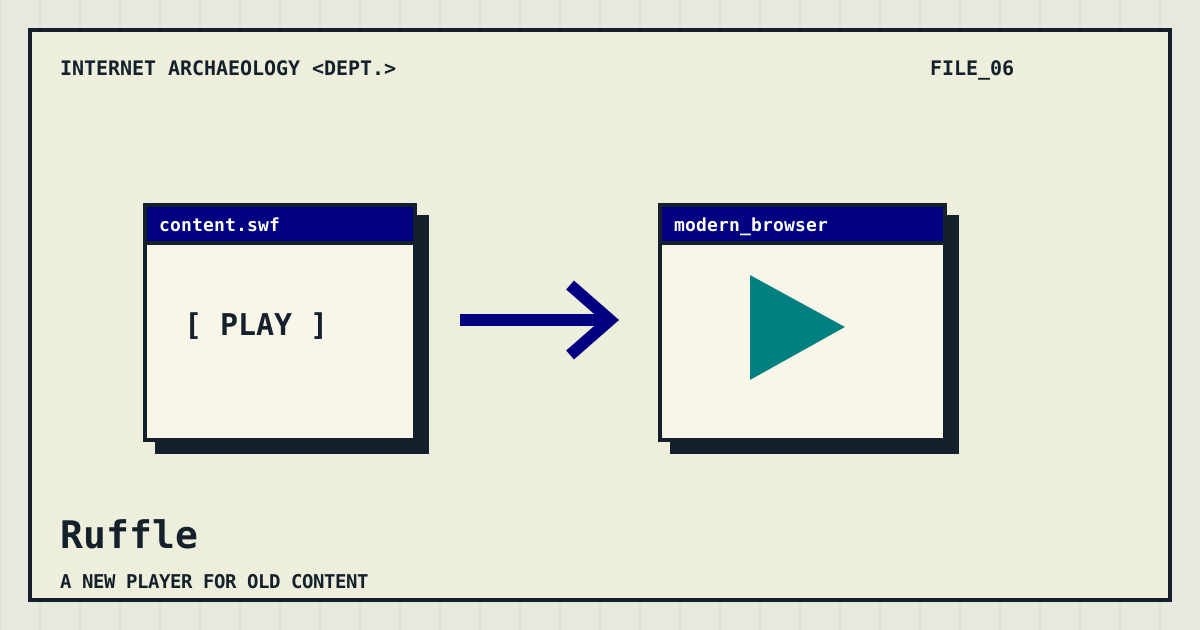
A player for a different era
Ruffle is an open-source Flash Player emulator that works on modern operating systems and in modern browsers. It is a playback project, not a catalog of every Flash game ever published. That distinction matters: finding a work and making its content run are separate problems.
Choose the route that fits your task
Start with Ruffle’s official website for its current downloads, demonstration, and compatibility information. A curious visitor can explore the demonstration; someone maintaining a website should read the integration guidance before changing a page. Use material you have permission to use, and keep an untouched copy of your original files while experimenting.
Compatibility is part of the story
An emulator aims to reproduce behavior, but support can vary between pieces of content. The project provides compatibility information for that reason. A title screen appearing successfully does not establish that sound, controls, later scenes, or external connections all behave correctly. Test the experience you intend to share rather than stopping at the first familiar frame.
A useful first experiment
Our suggested check is simple: open one supported example, interact with it, and record what you tried. If you are evaluating your own content, follow a repeatable path through the important controls and scenes. Note both successes and failures. “The start button works, but this later screen does not” is far more useful than “Flash is back.”
Where Ruffle fits in the toolbox
Use a collection such as Flashpoint to investigate preserved works. Use Ruffle when Flash playback is the question. Use a web archive to investigate the page around the work. These approaches can complement each other, but no single tool guarantees the complete return of a vanished website. We are recovering pieces of a world, not summoning the family computer intact.